

Recommended profile
In Bandwidth, route the number’s Voice Configuration Package to the platform SIP FQDN. In the platform, use the exact DID in+E.164 and select Provider source IPs.
Open the Bandwidth App and copy every signaling IP for the relevant entry under Account → Trunk Group Configurations. Choose the addresses for the transport in use; standard SIP and SIP-over-TLS can use different endpoints. Do not substitute media ranges or an address copied from another Bandwidth customer.
Bandwidth’s documented digest realm is for customer-to-Bandwidth termination. For Bandwidth-to-platform delivery, authenticate by the account’s current source IPs unless Bandwidth explicitly enables a different downstream method for your account.
What to enter in Famulor
The screenshots use the English app labels.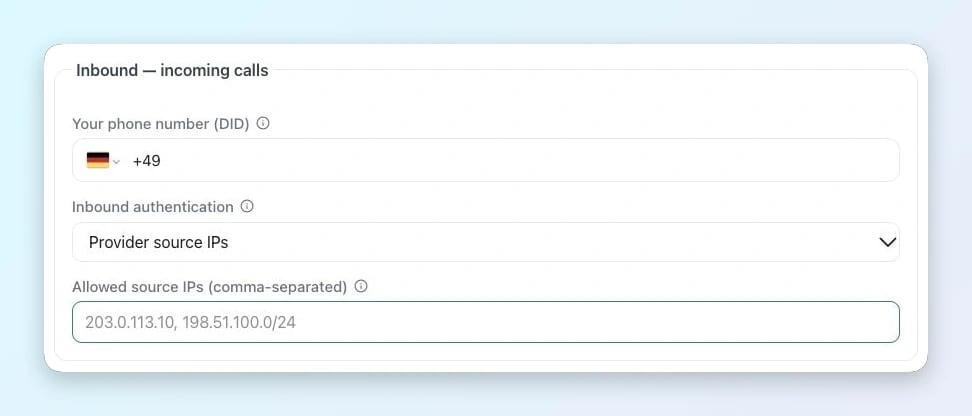
Incoming calls in Famulor
- Your phone number (DID) · Enter the exact number delivered by Account → Trunk Group Configurations, with its country code and leading + for an E.164 DID.
- Inbound authentication / Allowed source IPs · Choose Provider source IPs and enter the complete SIP signaling list for Account → Trunk Group Configurations and the selected route.